619-928-5000
  Request Service
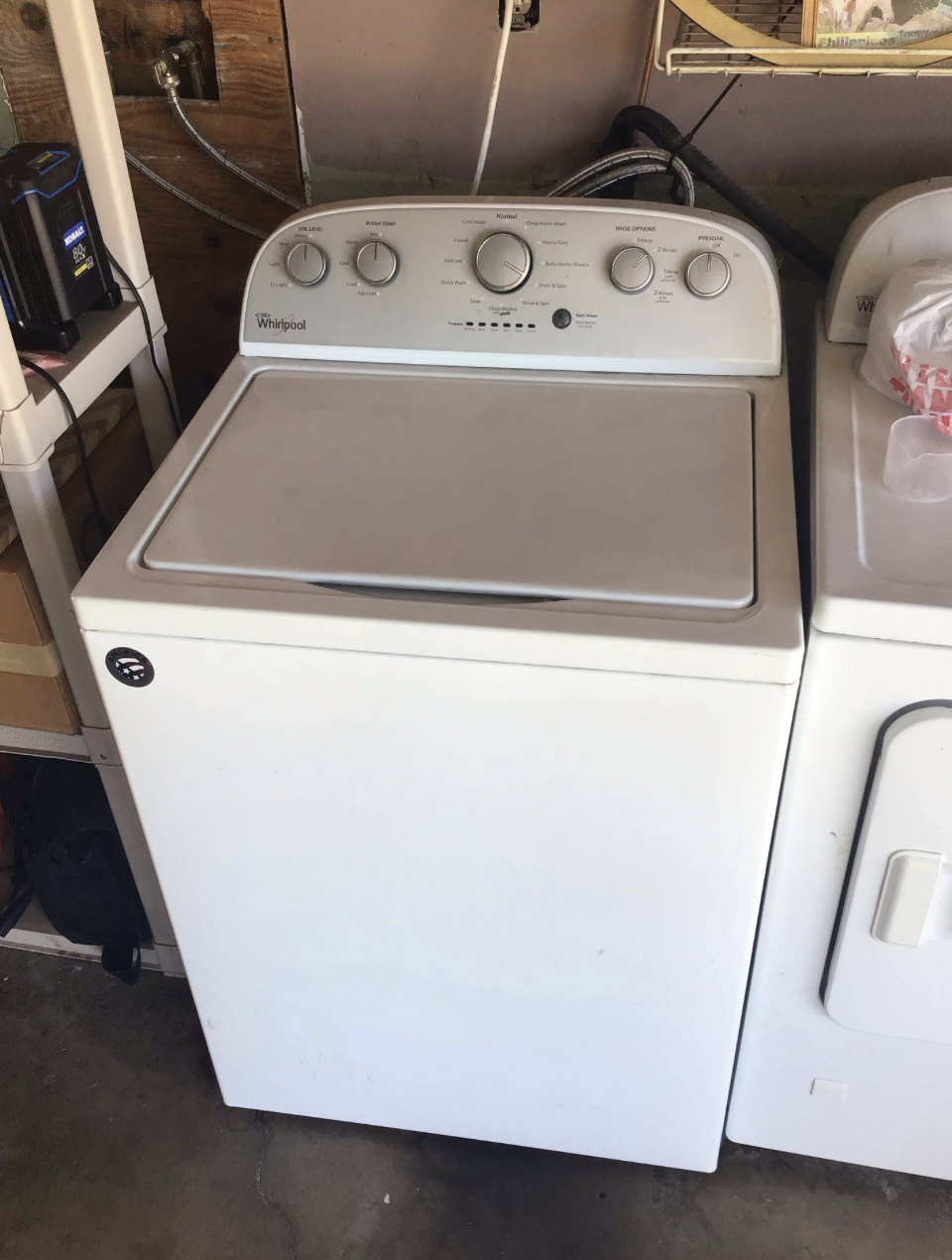
Few household problems are as frustrating as finishing a load of laundry only to discover that your Samsung washing machine won’t unlock after the cycle ends. Your clothes remain trapped inside, and repeatedly pressing the Start/Pause button or unplugging the machine doesn’t seem to help. While this issue may appear to be a simple inconvenience, it often points to a malfunction involving the door lock assembly or the electronic control board.
Understanding what causes the door to stay locked can help you determine whether the problem has a simple solution or requires professional repair.
Why Does the Door Stay Locked?
Samsung washing machines are designed with safety in mind. During operation, the door lock mechanism prevents the door from opening while the drum is spinning or filled with water. After the cycle finishes, the machine waits until it is safe before automatically releasing the lock.
Normally, this process takes between one and three minutes after the cycle ends. If the door remains locked much longer, there is likely a fault preventing the release mechanism from operating correctly.
Possible Cause #1: Defective Door Lock Assembly
One of the most common reasons a Samsung washer won’t unlock is a failed door lock assembly.
The door lock contains electrical switches and a small locking mechanism that communicates with the control board throughout the wash cycle. Over time, repeated use, moisture, vibration, and normal wear can damage its internal components.
Symptoms of a failing door lock include:
- Door remains locked after every cycle.
- Clicking sounds without unlocking.
- Lock indicator stays illuminated.
- Error codes related to the door lock.
- Machine refuses to begin a new cycle.
Sometimes the latch itself may be physically damaged or misaligned, preventing proper release even though the cycle has completed.
Possible Cause #2: Electronic Control Board Failure
Another common reason a Samsung washing machine won’t unlock after the cycle ends is a malfunctioning electronic control board.
The control board acts as the washer’s central computer. It monitors sensors, controls water levels, manages the motor, and sends commands to the door lock.
If the board fails to send the unlock signal after the cycle finishes, the lock remains engaged even though there is no safety reason to keep the door closed.
Control board failures may also cause additional symptoms such as:
- Random error codes
- Cycle freezing before completion
- Washer restarting unexpectedly
- Buttons becoming unresponsive
- Display flickering
- Inconsistent cycle operation
Because electronic boards contain delicate circuits, diagnosing them requires specialized testing equipment.
Could Water Still Be Inside?
Samsung washers will intentionally keep the door locked if they detect water inside the drum.
Before assuming a lock failure, check whether:
- Water remains inside the tub.
- The drain pump completed its cycle.
- The drain hose is blocked.
- The drain filter is clogged.
If the washer cannot drain completely, it will continue locking the door to prevent flooding.
Cleaning the drain filter may solve the problem if poor drainage is the underlying cause.
Try a Simple Power Reset
Occasionally, temporary software glitches can prevent the door from unlocking.
You can try:
- Turn off the washer.
- Unplug it from power.
- Wait five to ten minutes.
- Plug it back in.
- Run a Drain/Spin cycle.
If the door unlocks afterward, the issue may have been a temporary electronic fault.
However, if the problem returns repeatedly, professional diagnosis is recommended.
Avoid Forcing the Door Open
Many homeowners become frustrated and attempt to pull the door open.
This should be avoided.
Forcing the door can damage:
- Door hinges
- Door latch
- Lock assembly
- Front panel
- Glass door
A relatively inexpensive repair can quickly become much more costly if physical damage occurs.
Why Professional Diagnosis Matters
Several different components can produce nearly identical symptoms.
The problem may involve:
- Door lock assembly
- Main control board
- Wiring harness
- Water level sensor
- Drain pump
- Drain system
- Internal electrical connections
Replacing parts without accurate testing often results in unnecessary expenses while the original problem remains unresolved.
An experienced technician can identify the failed component quickly and recommend the correct repair.
Preventing Future Door Lock Problems
Although some failures occur naturally with age, proper maintenance can help extend the life of your Samsung washer.
Helpful maintenance includes:
- Clean the drain filter regularly.
- Avoid overloading the washer.
- Close the door gently.
- Use the proper amount of detergent.
- Keep the door gasket clean.
- Address unusual noises promptly.
Routine maintenance reduces strain on both mechanical and electronic components.
When to Schedule Service
If your Samsung washing machine repeatedly refuses to unlock after completing its cycle, don’t ignore the warning signs.
Professional service is recommended when:
- The door remains locked after multiple reset attempts.
- Error codes continue appearing.
- The washer won’t start another cycle.
- Water drains normally but the door stays locked.
- The problem happens repeatedly.
Early repairs often prevent additional damage to other components and help restore reliable operation.
Call HOME APPLIANCE SERVICE CENTER
If your Samsung washing machine won’t unlock after the cycle ends, let the experienced technicians at HOME APPLIANCE SERVICE CENTER diagnose the problem accurately. Whether the issue involves a faulty door lock assembly, a failing control board, or another internal component, our trained professionals provide fast, reliable repairs using quality replacement parts. Contact HOME APPLIANCE SERVICE CENTER today to schedule your washing machine repair and get your laundry routine back to normal.
Contact us